Your information
Enter your name, phone number, and basic vehicle information.
 Start estimate
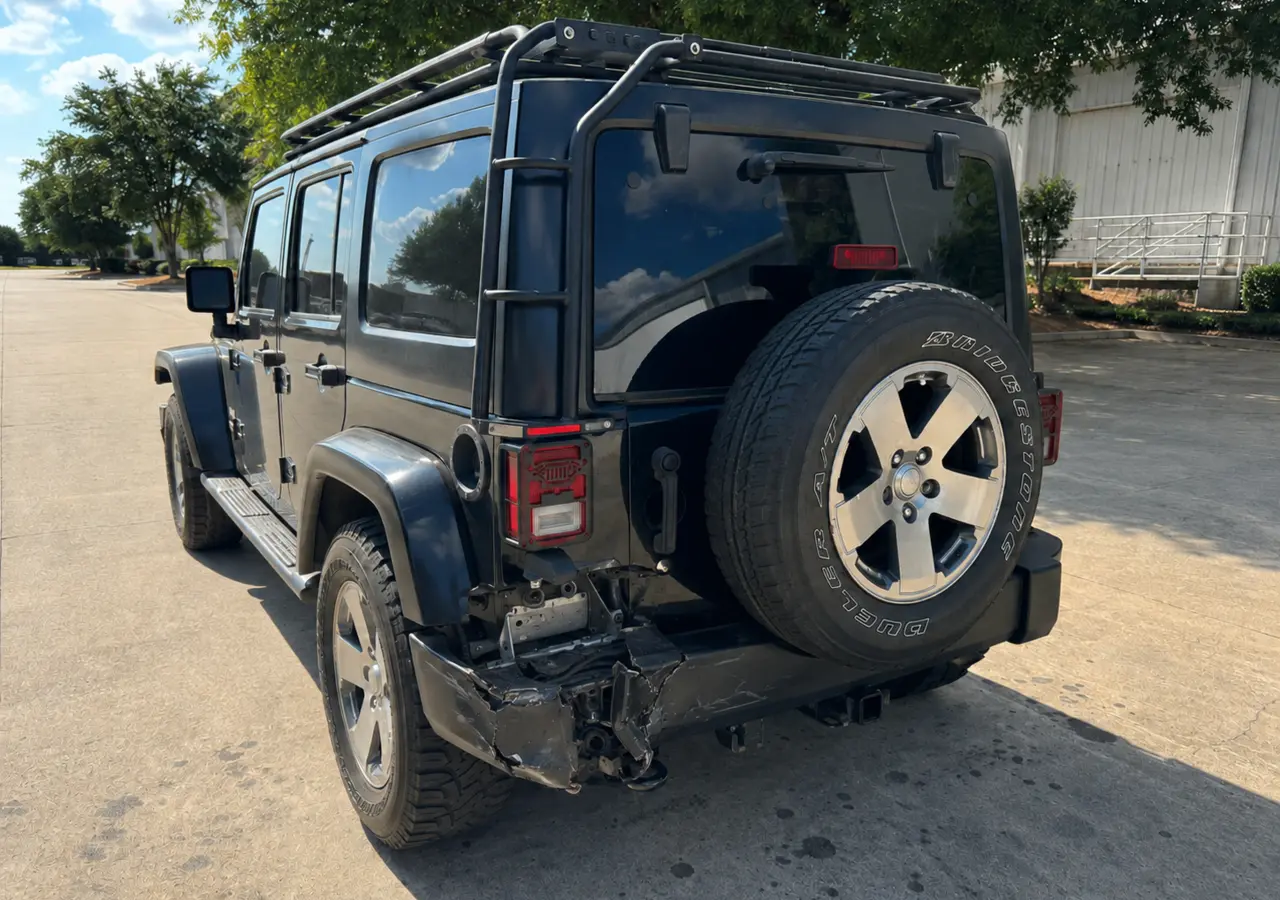 Before
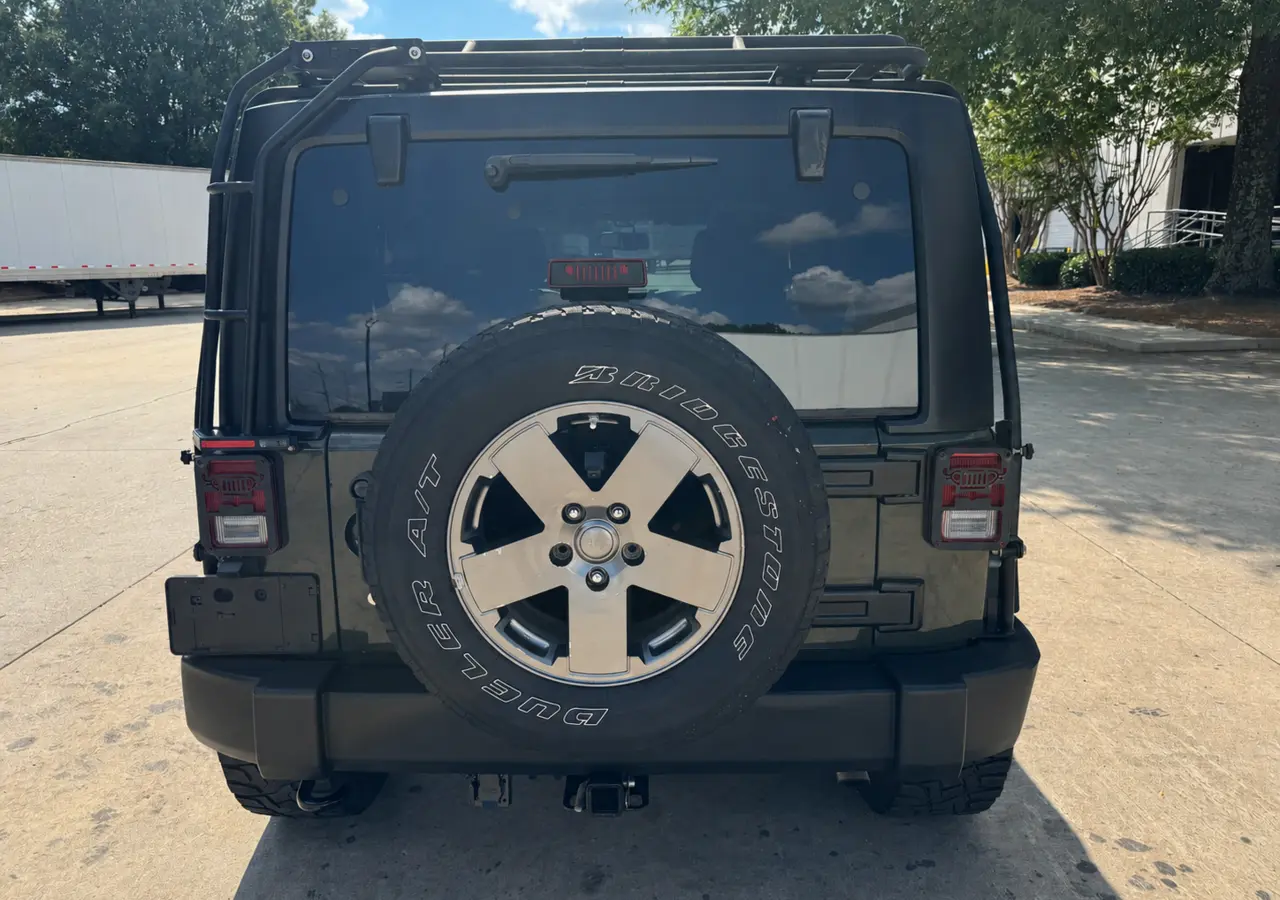 After
After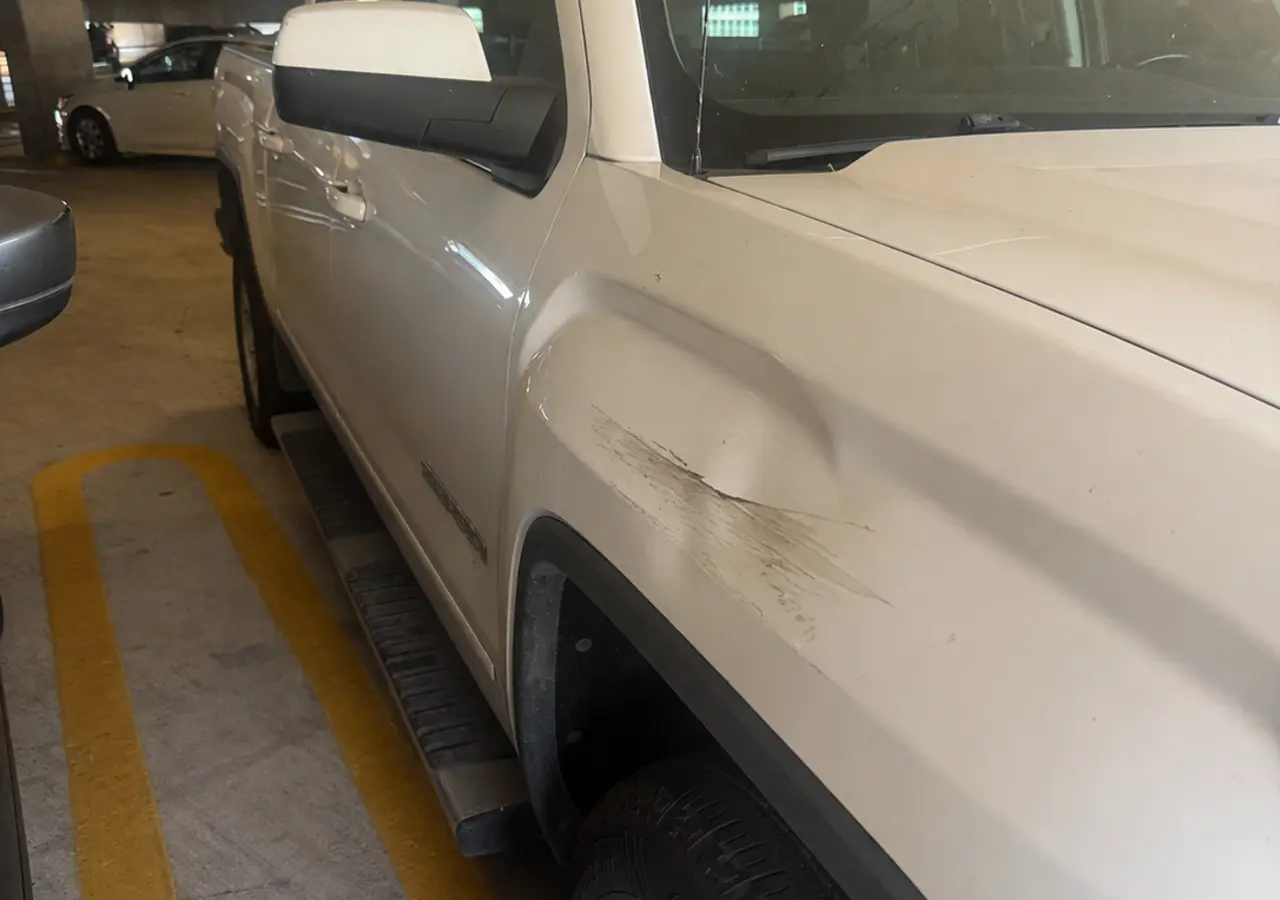 Before
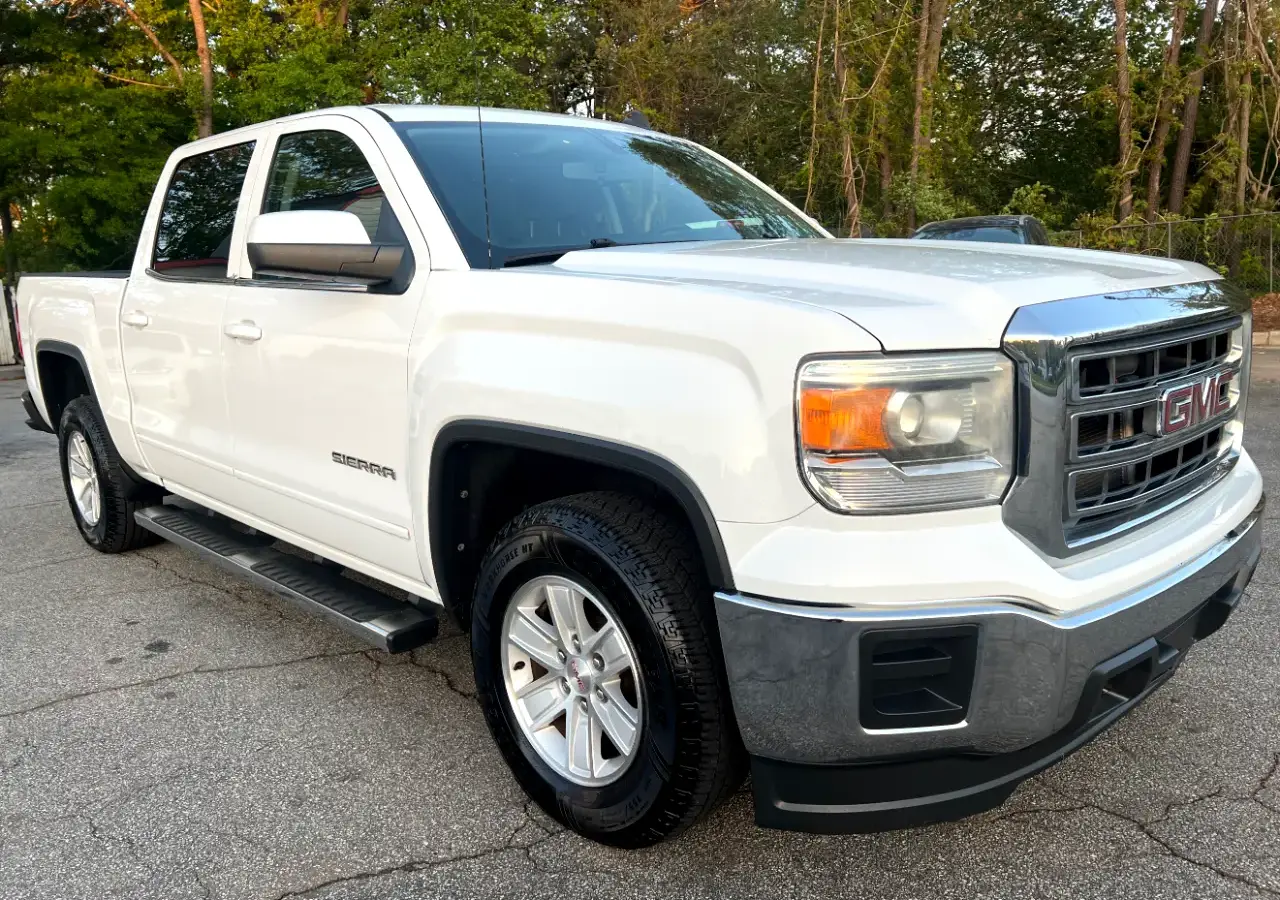 After
After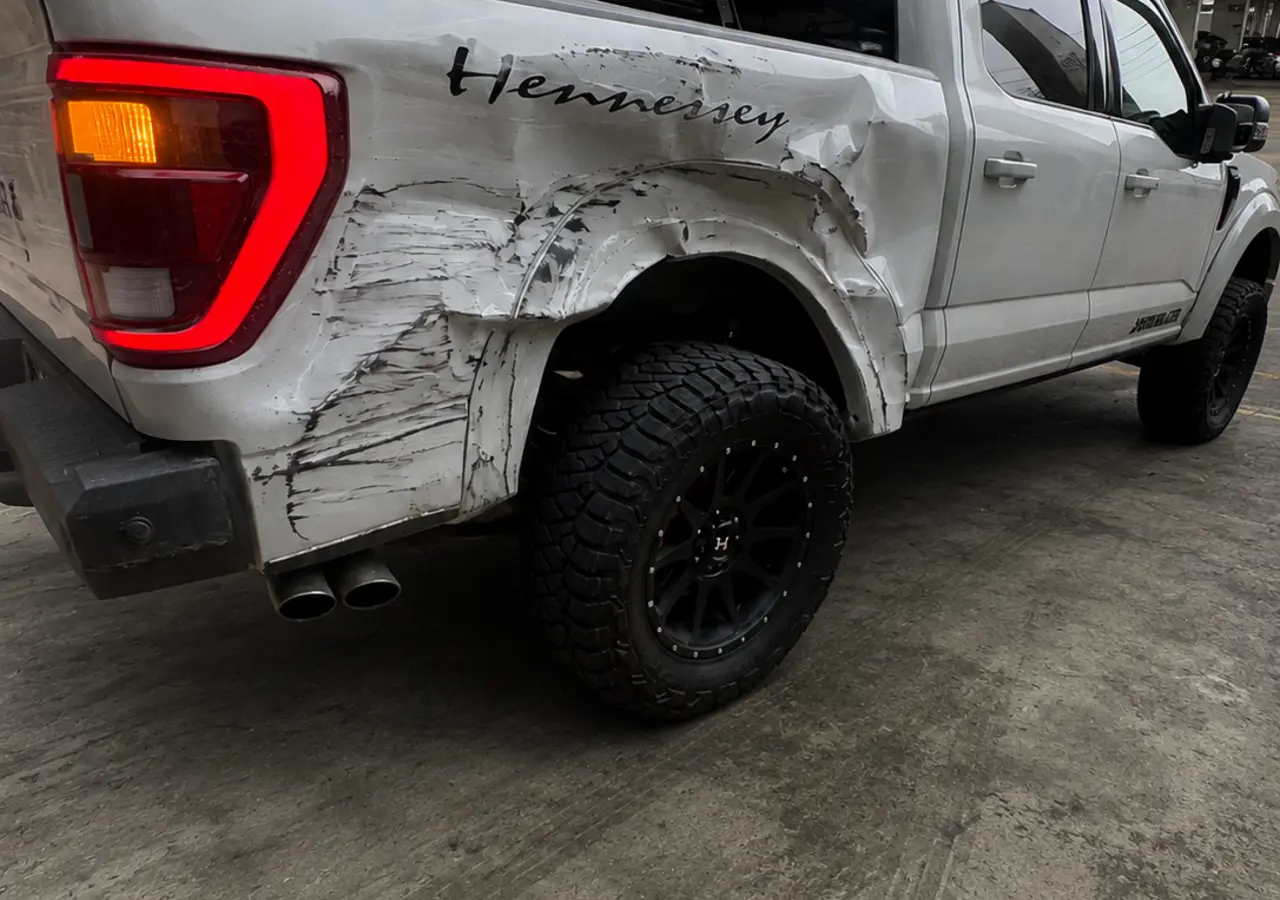 Before
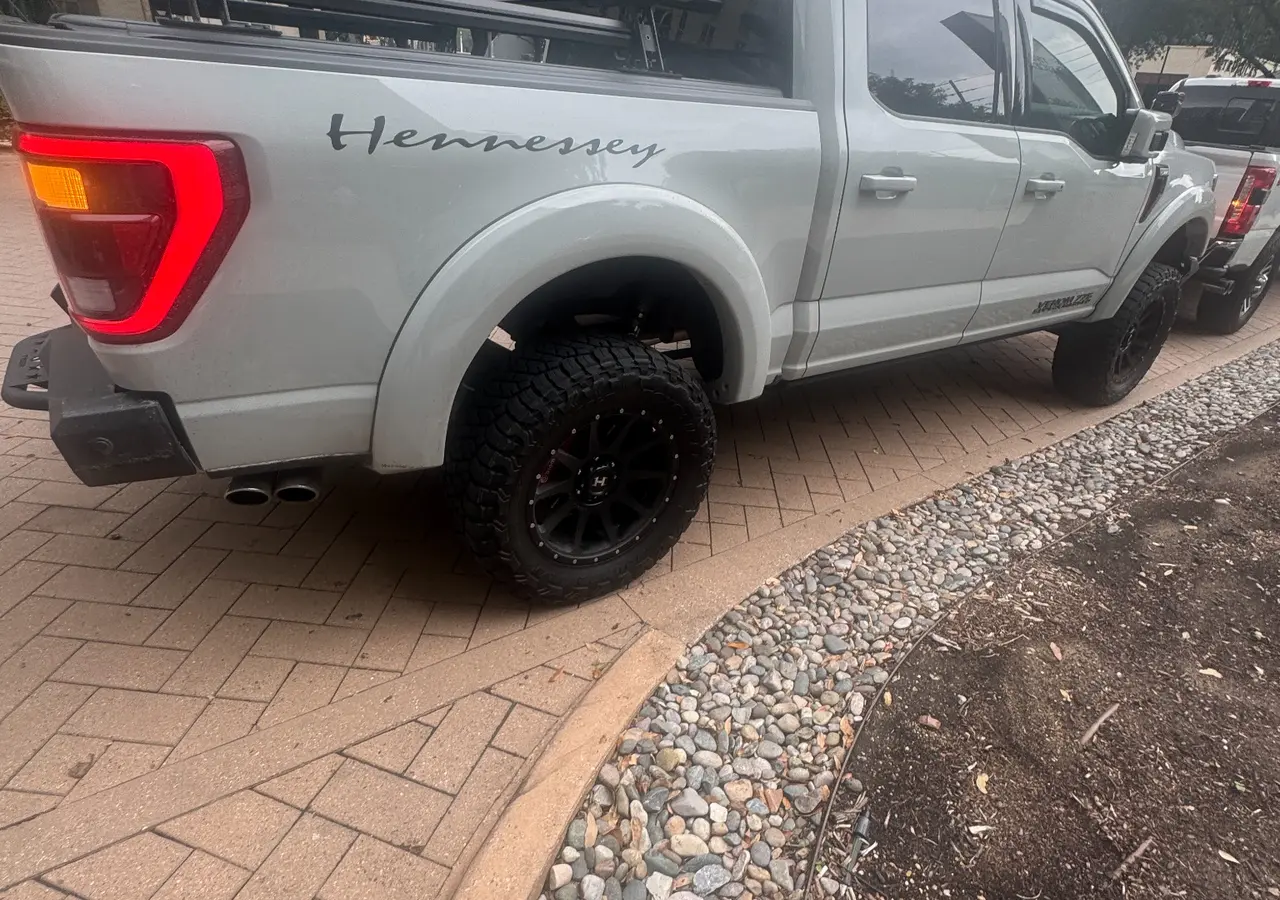 After
After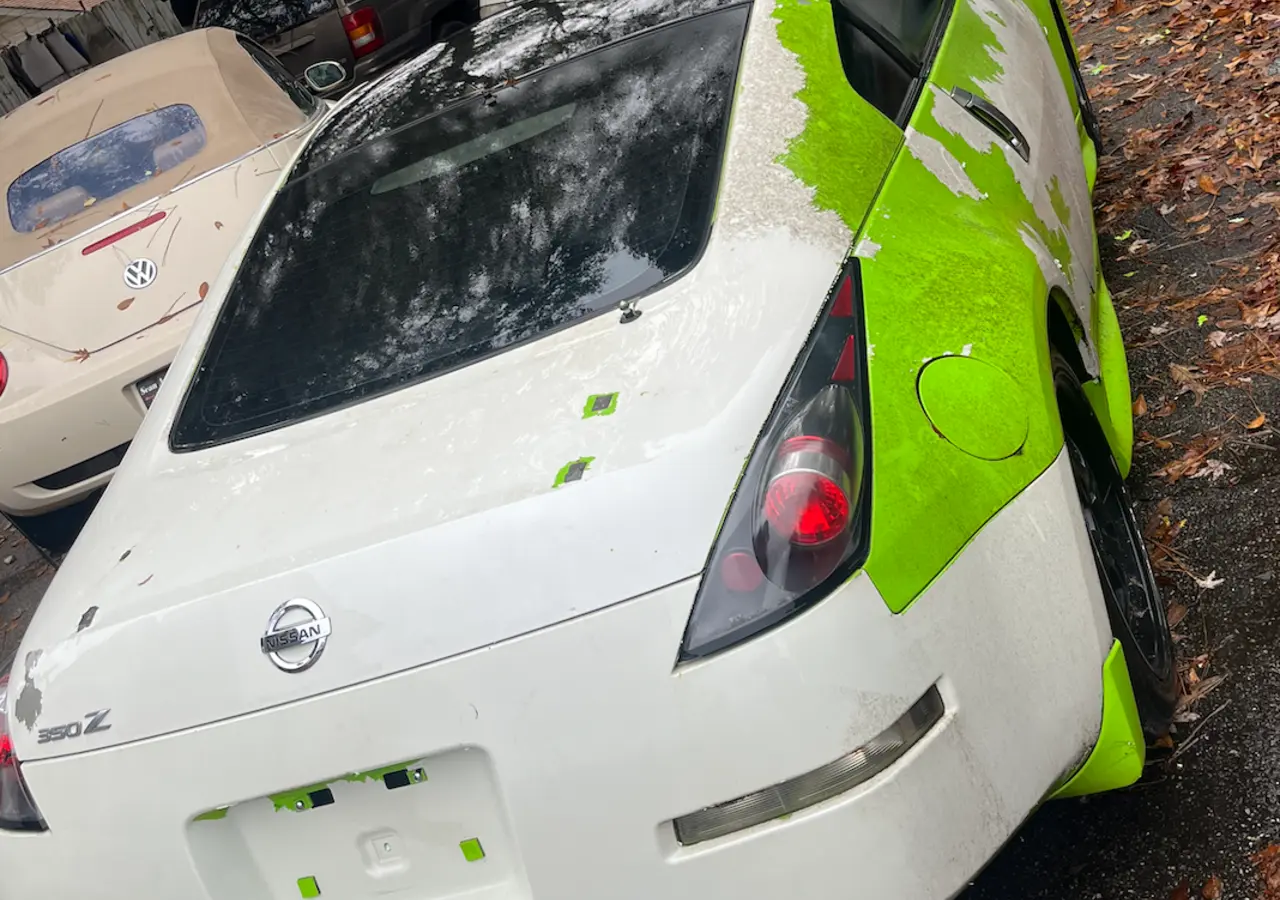 Before
 After
AfterDuluth, Georgia collision estimates
Send your name, vehicle information, and up to five photos. ABC reviews the damage and calls to discuss your estimate, repair options, and next steps.
Start my estimateNo app. No waiting room. No obligation.
Enter your name, phone number, and basic vehicle information.
Add one to five helpful pictures. No specific angles are required.
ABC reviews your request and calls if we need more information.
Collision & auto body services
Accident & Body Collision helps drivers in Duluth and Gwinnett County move from visible damage to a clear repair plan. Start with a photo-based estimate request, then we’ll review the information and coordinate the appropriate next step.
Estimate help for cracked, dented, scraped, loose, or displaced front and rear bumpers.
Explore bumper repair 02Repair planning for dents, creases, dings, and damaged exterior body panels.
Explore dent repair 03Help with collision-related scratches, chipped paint, panel damage, refinishing, and color matching.
Explore paint and body repair 04Next-step guidance when a collision may have affected structural areas, alignment, or panel fit.
Explore frame damage repair 05Estimate and repair coordination for insured accident damage, including supplemental damage details.
Explore insurance repairA straightforward repair process
Learn how ABC reviews estimate requests, explains the next step, and helps Duluth-area drivers move from visible damage toward a repair plan.
Estimate request
Keep it simple. Add whatever photos you have, or submit without them and we’ll call if we need more.
Request received
ABC will review what you sent and call if we need any more information.
Any estimate based on submitted photos is preliminary and may change after an in-person inspection or disassembly reveals additional damage.
Common questions
Yes. Enter your name, phone number, and vehicle information, then add up to five pictures if you have them.
No. Send any pictures that clearly show the vehicle and damaged area. Photos are helpful but not required to submit the form.
No. It is preliminary and may change after an in-person inspection, disassembly, or discovery of hidden damage.
We can discuss the estimate and insurance-related repair details during the follow-up call. Have your claim information available if you have already filed.
ABC reviews what you sent and calls the phone number provided. If more information or an in-person inspection is needed, we’ll explain the next step.
Local collision estimate help
Online estimate requests are available 24/7. Call or visit our Duluth office for help with your next step.